Automation, Scripting & Batch Processing
When the same evaluation has to be done again and again, UniPlot offers two ways to automate it. The Sequencer builds workflows from ready-made actions such as loading data, exchanging data in a report and exporting a PDF, with loops and conditions, mostly without programming. UniScript automations give full control and can be published as menu items, so colleagues run them with two clicks. Both can be started from the command line, a test bench or another program.
Guides

Let colleagues run an evaluation without writing code.
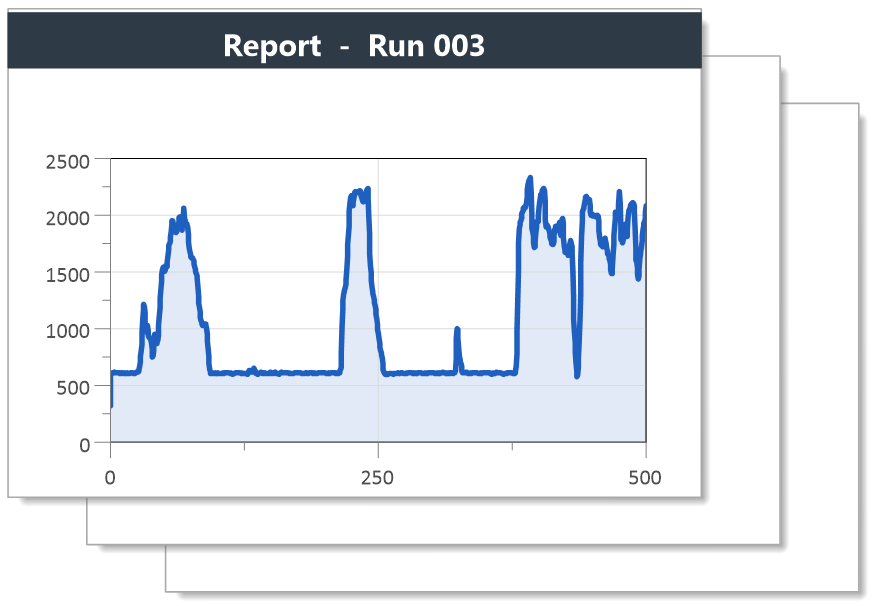
Run a Sequencer workflow for every file of a list, unattended.
Read data files and fill a report template with a few lines of UniScript.

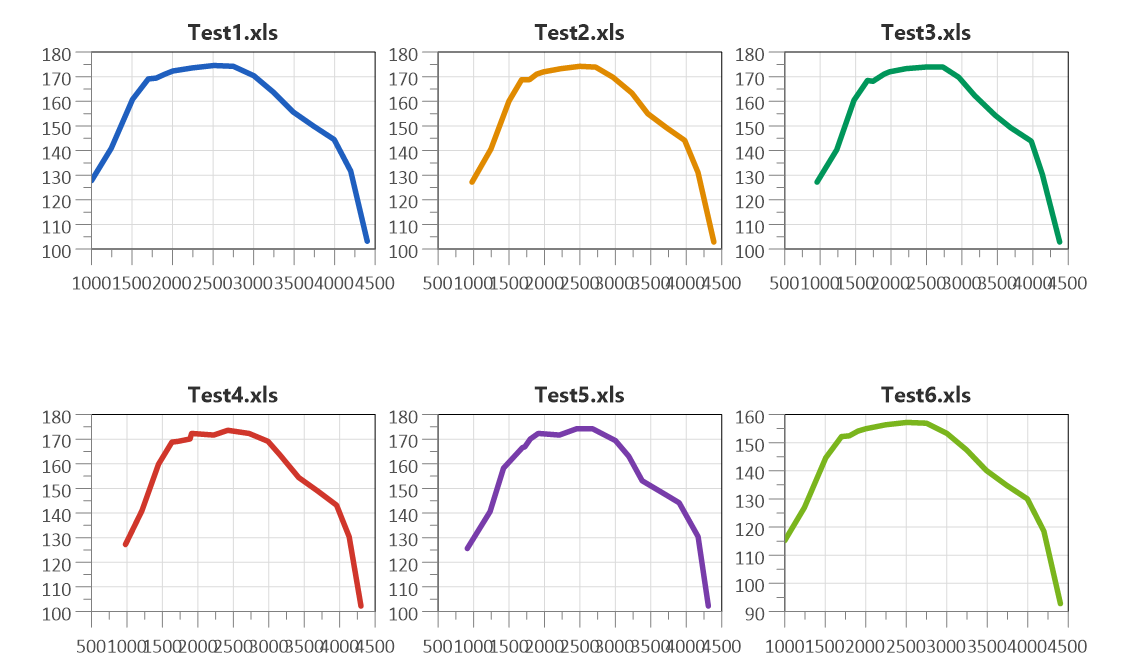
Load the same channel from many files into one diagram.
Quick answers
Can a workflow repeat steps and skip others?
Yes. In the Sequencer, every action or sub-sequence has a Loop option that runs it once for every element of a list stored in a Runtime Value, and a Condition that runs it only if a Runtime Value matches a comparison. See How do I evaluate thousands of measurement files unattended, for example overnight?. See also How can I run a template automatically on all measurement files and save each result under the measurement file name?.
Can a test bench or another program start an evaluation?
Yes, in three ways. The command line starts UniPlot and runs a sequence:
uniplot.exe /ws <workspace> /seq <sequence> /rv "<name> = <value>, ...",
with /automation to run without a window. As a COM server
(UniPlot.Application), UniPlot can be controlled from any program that
uses COM, and it also supports DDE. See COM-Interface.
See also Can UniPlot run headless on a server or be controlled through a web API?.
How do I test a Sequencer workflow step by step?
Switch the actions of a sequence on and off with their checkboxes, and double-click an action to run only this one. The RV button shows the current Runtime Values, and the Snippet action LOG RVs writes them to the UniPlot log.
How do I reuse a group of steps in several workflows?
Put the steps into their own sequence and call it with the Run Sequence
action. In a script, Seq_RunSequence() starts a sequence of the current
workspace.
How does a script load a report template?
auto_LoadTemplate(ssFileName, ssPageName) copies a page of a template
(IPW file) into a new document and returns the page handle. To add more
pages to the same document, call auto_AddPage() before the next
auto_LoadTemplate(). See also How do I load a template and replace its data files with a script?.
How do I rescale the diagrams after loading data?
auto_ScaleAxes() rescales all diagrams of the page created with
auto_LoadTemplate() so that all curves are completely visible.
See also How do I set axis limits, tick spacing and number format by script?.
How do I save each report under its own file name?
Build the name in the script, for example from the data file name, and
call auto_SaveDocumentAs(ssFileName). In the Sequencer, the file name
of the PDF Export action can be taken from a Runtime Value; the
Set Runtime Values action can use field functions such as
@f{time}. See also How can the Sequencer save a PDF with a custom path and file name?.
Can I add my own functions to UniPlot?
Yes. UniScript functions saved in IC files in UniPlot’s autoload directory
are loaded at startup. With auto_AddToUI() they appear in the
Reports menu, and a pair of functions _xy_filter_func_<name> and
_xy_filter_info_<name> becomes a new filter function. See also
My own XY filter function in the Autoload folder does not appear in the filter list. What is wrong?.
Can I control UniPlot from Python or other languages?
Yes, through the COM interface. Any language that can call COM objects, for
example VBA, VBScript, C# or Python with the pywin32 package, creates the
object UniPlot.Application and calls any UniScript function with
Call or Call2. See COM-Interface and
UniPlot.Call2. See also
How can I control UniPlot from Python, MATLAB, Excel/VBA or another program? and Can I use Python with UniPlot?.
Can a script download data from a web server?
Yes. curl_download(ssURL) loads data over HTTP, HTTPS, FTP, SFTP and
other protocols. The curl_easy_* functions give access to further
libcurl options. See curl_download.
Can UniScript read from and write to a database?
Yes. UniScript has functions for PostgreSQL (pq_connectdb,
pq_exec, …), for SQLite (sqlite3_open, sqlite3_execute, …)
and for MySQL and MariaDB (mysql). See
Overview PostgreSQL and Overview SQLite.
See also Which databases can I access from UniScript, and where can I run SQL commands?.
Can UniPlot read data from an ASAM ODS server?
Yes, with the ASAM ODS browser add-ins for ODS servers with CORBA or RPC interface. See ASAM-ODS Browser (CORBA). See also Which ASAM ODS versions and interfaces does UniPlot support? Are encrypted (SSL) connections possible?.
How do I log what a batch run did?
The UniScript logging functions write messages with a level to a log file,
for example log_set_filename() and log_error(). In the Sequencer,
the Snippet action LOG RVs writes all Runtime Values to the
UniPlot log. See Overview Logging.
How do I print or export reports from a script?
auto_PrintDocument() prints the whole document and auto_PrintPage()
the page created with auto_LoadTemplate() on the active printer. DocPrintPDF(hDoc, ssFile) writes
a PDF file. In the Sequencer, use the PDF Export or Picture Export
action. See also PDF export fails with a Ghostscript or PostScript driver error (“Invalid Post script driver”, “Incorrect PDF setting”, “/undefined in .setpdfwrite”). What do I need?.
How do I calculate formula channels in a script?
auto_CalculateNCFormula(ssNCFile, oFormula) adds a calculated channel to
an NC file, for example to the file returned by auto_ImportData(). The
channel can then be loaded like any measured channel. See
Formula Interpreter 1 - Introduction. See also auto_CalculateNCFormula stops the script when a channel of the formula does not exist.
How do I get the report as soon as the test has finished?
Let the test bench call a batch file that starts UniPlot with the new data
file as Runtime Value, for example /rv "DATAPATH = D:\Data\Run42.csv".
The sequence loads the file, exchanges the data in the report, exports the
PDF and ends with the Snippet action SHUTDOWN. See also
How do I start a Sequencer sequence from the command line and pass values to it?.
How do I add my own step to a Sequencer workflow?
Use the Run Script action. It runs a UniScript file, which can read and
set Runtime Values with Seq_GetRuntimeValue() and
Seq_SetRuntimeValue() and get the data files of the slots with
Seq_GetSlotPath(). Actions can be copied and pasted between sequences.
Support questions
Error messages, settings and other practical problems in this area are answered in the FAQ: Reports, Sequencer and Batch Processing and UniScript and Automation.
id-800649