How do I create hundreds of PDF reports from measurement files automatically?
Build the report once as a UniPlot template, then let a short script fill it with each measurement file and print it to PDF with DocPrintPDF. The diagrams, header texts and legends are filled from the file, so the loop runs without any input and produces one PDF per file.
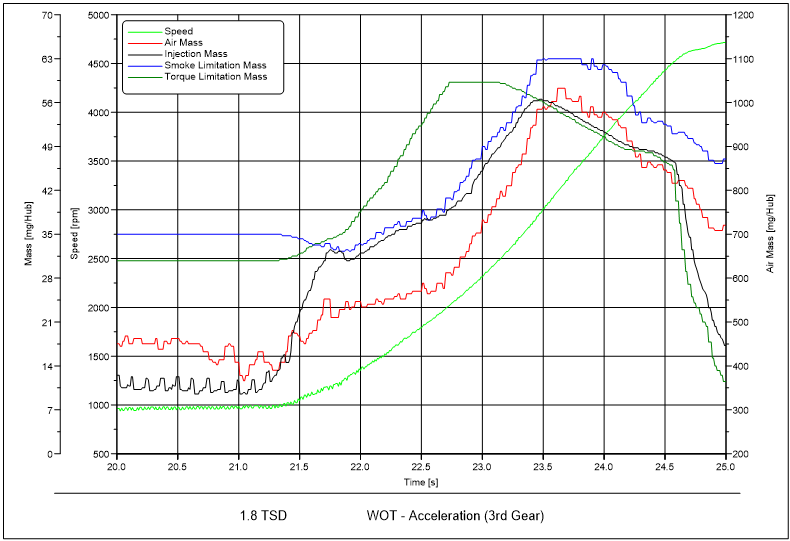
A report page from the UniPlot sample document. A template like this is filled with a new data file for every report.
How it works
Create the template: an ordinary UniPlot document (
.ipw) with named diagrams, text placeholders such as$Engine$and a logo. See How do I build a report template that I can reuse for every test?.Write a function that fills the template for one file:
auto_LoadTemplateopens a copy of the template page,auto_ImportDatareads the measurement file,auto_LoadDatasetputs channels into the diagrams,auto_ReplaceTextFromNCFilefills the text placeholders andauto_UpdatePagefinishes the page.Call this function in a loop over all files of a folder and save each document as PDF with
DocPrintPDF.
Example:
def RS_PdfReports(ssFolder)
{
    svFile = GetDirectory(ssFolder + "/*.nc");
    for (i in 1:len(svFile)) {
        hPage = auto_LoadTemplate("example");
        ssNC = auto_ImportData(svFile[i]);
        auto_LoadDataset("Diagramm 1", "N", "MEFF");
        auto_LoadDataset("Diagramm 2", "N", "EWGLST");
        auto_ScaleAxes();
        auto_ReplaceTextFromNCFile(hPage, ssNC);
        auto_UpdatePage();
        hDoc = PageGetParentDocument(hPage);
        DocPrintPDF(hDoc, svFile[i] + ".pdf");
        DocDestroy(hDoc);
    }
}
The template example and the channels N, MEFF and EWGLST come
from the automation examples in the UniPlot/samples/automate directory.
Why it helps
A report that takes 20 minutes by hand is created in seconds, the same way for every file.
Header data such as engine, operator or test date is read from the file, so typing errors cannot slip in.
When the template changes, the next run uses the new layout for all reports.
Good to know
For interactive use, register the function with
auto_AddToUI. It then appears in the Reports menu, see How can my colleagues create a test report with a few clicks, without programming?.DocPrintPDF(hDoc, ssFile, nStartPage, nEndPage)prints only some pages.Since R2025.1 Ghostscript is optional: without it, UniPlot uses Microsoft Export to PDF. Ghostscript is still needed for bookmarks.
The interactive command File=>Export=>PDF Export can create bookmarks from the page names, for example
Engine.Data1becomes the chapter Engine with the page Data1.To keep the UniPlot document as well, save it with
auto_SaveDocumentAsbefore closing it.